Filip Hráček / text /
What grinds my gears: macOS 26 Tahoe
There’s no shortage of rants against Apple and macOS on the internet these days, so I’ll keep this to the point.

After Apple released macOS 26 Tahoe last September, I decided to stay on the previous macOS 15 Sequoia for as long as possible. None of the improvements and features of Tahoe appealed to me, and I've read various reports of breakage.
This approach worked fine, until sometime last week, when I was distracted while using the macOS System Settings (never a good idea) and accidentally upgraded to Tahoe. I know how it sounds: how can you accidentally upgrade to a new major version of an operating system? Quite easily, as it turns out. There were some security updates for Sequoia, so I clicked “Download” and, while the update was being downloaded, went back to work. When I tabbed back to System Settings, there was only one button to click. At least as I remember it — false memories are real, and I don’t have a screenshot to back me up. But, if I can trust my memory, there wasn’t an “Apply downloaded update” button and an “Upgrade to Tahoe” button or anything like that. There was just one button that said something like “Upgrade” or “Apply update”. It may have said something about Tahoe, but again, I’m pretty sure it didn't because if I saw it, I wouldn’t click. Anyway, I did click, and before I could stop the process, my computer was restarting to upgrade to Tahoe.
Ok, I thought. Tahoe has had a year to brew. It won’t be that bad.
It was that bad.
Liquid Glass
First of all, Liquid Glass is as bad as people reported back in September 2025. You’d think that after having used a Mac for 18 years (!), I wouldn’t be thrown off by a cosmetic upgrade. The icons haven’t moved. But with Liquid Glass, they are shown with such low contrast that I have trouble seeing them. Opening a white document in Preview, I had a hard time finding and clicking icons that I've been clicking for years almost every day.
Apple’s Liquid Glass reminds me of Microsoft’s Metro. It’s “cool” looking and definitely a sort of engineering achievement, but it’s something nobody asked for that just ends up making the UX worse.
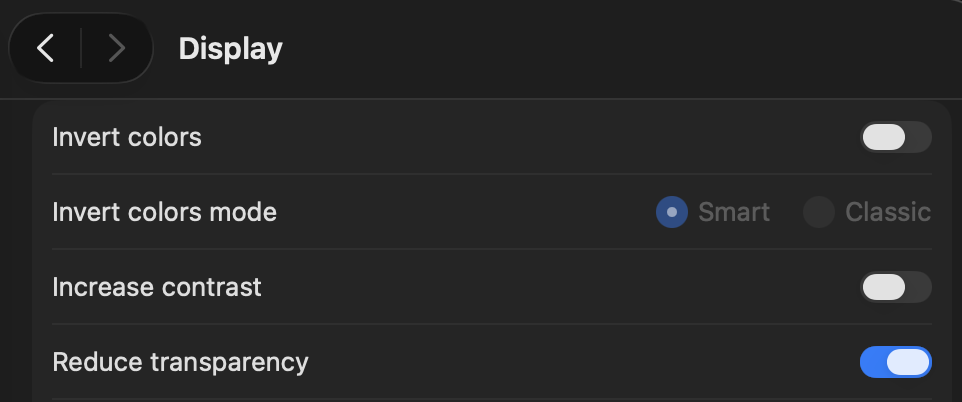
Thankfully, you can limit the damage by going to settings and configuring Liquid Glass. You can pretty much disable it in Accessibility (“Reduce transparency”), but apparently, that’s a setting that will go away sooner or later. In Appearance, you can switch Liquid Glass “look” from Clear to Tinted. Tinted is much closer to Sequoia, so all Liquid Glass does is make system icons larger and more rounded, and add some shader effects. Cool.

mediaanalysisd
The real pain came later. After an OS upgrade, one must allow for some background processing. Things are getting upgraded, migrated, etc. So I wasn’t worried when my MacBook M4 was generally slower and System Monitor showed sustained load — at least not the first couple of days.
But this continued for at least 7 days, through restarts and everything. One system daemon, medianalysisd, was working 24/7 at around 100 % CPU.1

As you can imagine, I was annoyed. I found several blogposts and discussions about medianalysisd. One blogger, Scott Macpherson, has a chronology of blogposts that reads like a little story:
- mediaanalysisd has gone rogue
- mediaanalysisd continues to piss me off
- I don’t like macOS as much as I used to
- I ordered a ThinkPad
I find that progression funny.2
The main point of Scott’s blogposts isn’t “oh look, Apple has a bug, they should feel bad”. It’s more about priorities. You can’t reach Apple to report the bug. You can discuss the bug with other users on their discussion forum. But those other users, though good-intentioned, can’t really help. They can offer theories like “maybe if you move your work files elsewhere and then exclude that elsewhere from Spotlight it’ll fix it?” So, a real bug is getting ignored by Apple, whom one pays premium, for about a year.
Well, I may have a different bug than Scott — there’s no way to know. My log stream --process mediaanalysisd output looks like this:
2026-09-03 09:34:34.245209+0200 0x163eaaf  Default     0x0                  16418  5    mediaanalysisd: [com.apple.mediaanalysis:persistent] [QueuingScheduler] Scheduled foreground task MADServiceTextProcessingTask (MADRequestID 881, VCPMADTaskID 110000) for client <private>
2026-09-03 09:34:35.093796+0200 0x163eac6  Default     0x0                  16418  5    mediaanalysisd: [com.apple.mediaanalysis:persistent] [Scheduler] Completed <private> (110000) [QoS: 21]
2026-09-03 09:34:35.141225+0200 0x163eac6  Default     0x0                  16418  0    mediaanalysisd: Running task MADServiceTextProcessingTask (110001) [QoS: 21]
2026-09-03 09:34:35.141356+0200 0x163eac6  Default     0x0                  16418  0    mediaanalysisd: Watchdog already enabled
2026-09-03 09:34:35.141563+0200 0x163eac6  Default     0x0                  16418  5    mediaanalysisd: [com.apple.mediaanalysis:persistent] [Scheduler] Running <private> (110001) [QoS: 21 Cost: 0.100]; remaining resource: 0.90
2026-09-03 09:34:35.141664+0200 0x163eac6  Default     0x0                  16418  5    mediaanalysisd: [com.apple.mediaanalysis:persistent] [QueuingScheduler] Scheduled foreground task MADServiceTextProcessingTask (MADRequestID 882, VCPMADTaskID 110001) for client <private>
...
and so on forever
...
Most recently, I was able to silence mediaanalysisd by disabling all Spotlight features. When I have more time, I’ll try to zero in on the exact feature that was the problem — but that requires Restart of the computer after every change, and there are tens of things, and I can’t know how long it will take before mediaanalysisd kicks in after restart.
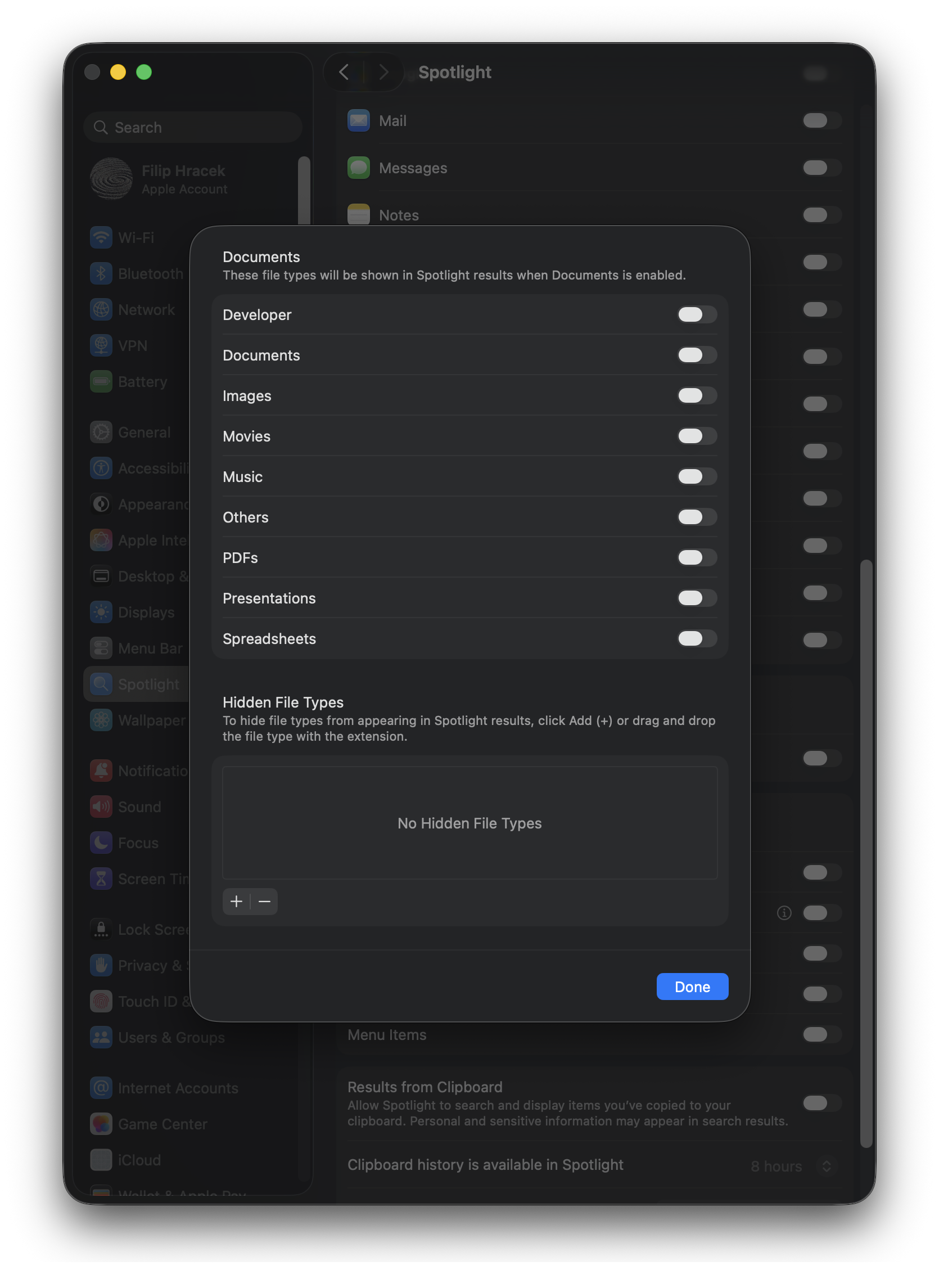
UPDATE: No, medaanalysisd is back even though Spotlight is completely disabled. It took about an hour after restart.
UPDATE 2: For posterity (and myself), I’m now trying something that I wanted to avoid: disabling Apple’s System Integrity Protection so that I can really kill mediaanalysisd. The best resource is, of course, a random internet forum. Apparently, I will have to do the launchctl dance mentioned in that forum after each small update, and I also can’t turn System Integrity Protection off. Cool.
Conclusion
Here’s the thing: Apple is safe. I only really use one Apple device, the MacBook, so it’s not like I’m trapped in the net of their ecosystem, but the MacBook is my workstation. Moving away from it will be a major undertaking. I have a ton of muscle memory, tools, methods, that I would lose if I migrated away from macOS.
I do own a state-of-the-art Windows workstation, so I can compare. To be honest, Microsoft seems even worse than Apple in many aspects (though it does have advantages in other).
I also own a Linux ThinkPad, and have had it for several years, but that’s not a good point of comparison. I only use the ThinkPad for compilation and testing, and it’s purposefully a very “vanilla” machine (Ubuntu LTS, only the bare minimum apps installed). It’s also nowhere need the raw speed of the M4 MacBook or the PC workstation.
My current plan is to drive the MacBook to the limit of its usefulness to me. If Apple doesn’t do something stupid, that means many years. If they do do something stupid, like closing the Apple ecosystem even more, or pushing some bullshit on their users too aggressively, then it’ll be less. I have no brand love for Apple. I do consider MacBooks superior to any of the non-Apple laptops I've used. I do consider macOS superior to Windows from a developer’s perspective, even if only because of its Unix kernel and thus a lot easier time with things like git. But I don’t think I've ever had my identity tied to Apple (“I’m an Apple user,” said with pride), and if Apple ever had an “underdog” story to them, that’s long long gone.
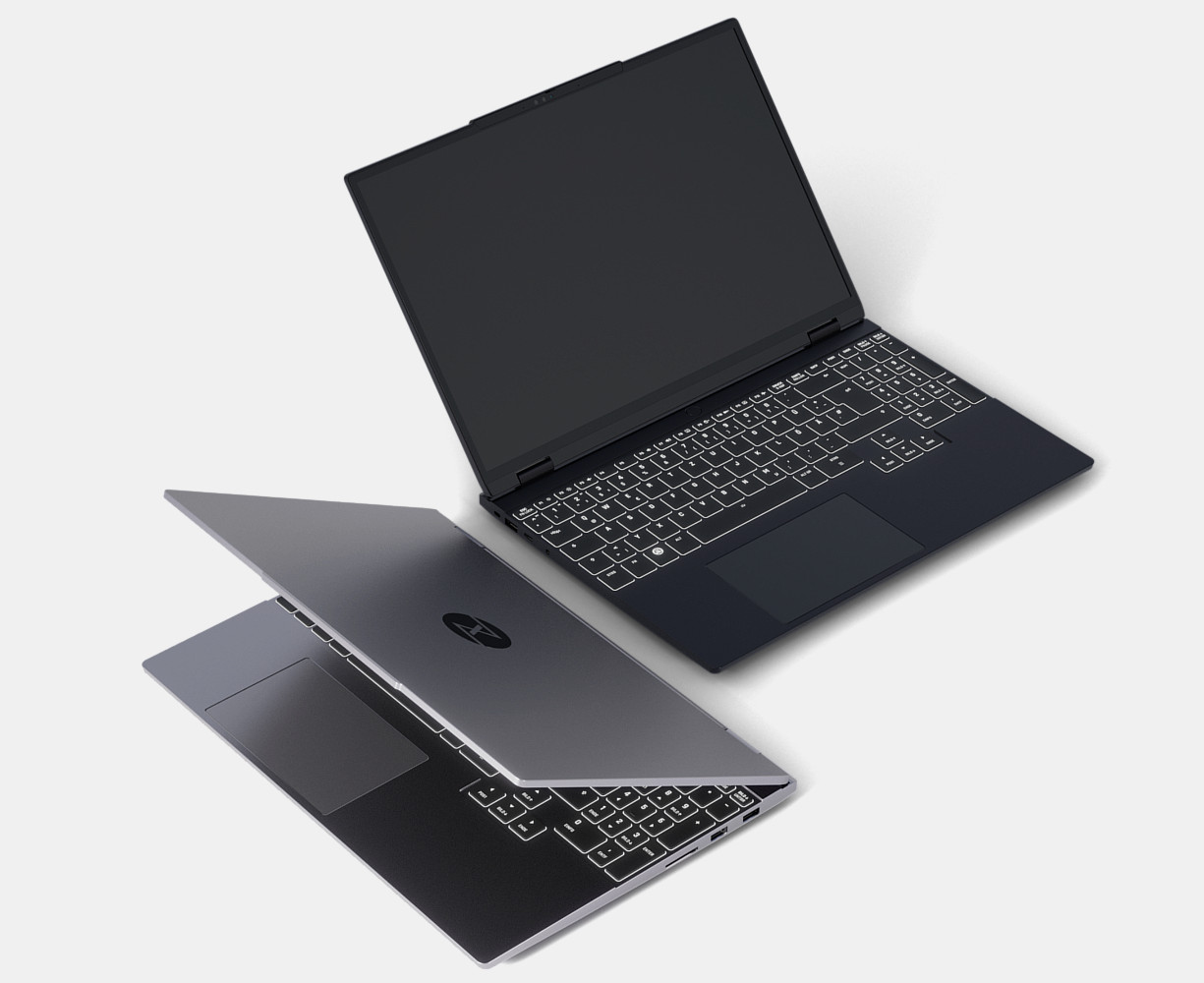
After the MacBook dies, who knows? I’m secretly drooling over some current Linux laptops, and I know that I would enjoy owning my computer a little more. For the price of the MacBook, I could have an absolute monster with 96 GB of fast RAM and 4 TB SSD, from someone like Tuxedo (a German company specializing on premium Linux laptops).
Oh well. Back to dealing with mediaanalysisd which, btw, is now at 140 % CPU ffs.
-
On macOS, 100 % CPU load is equivalent to one core maxed out. That’s why you can easily have processes running at 400 % CPU load. ↩
-
To be clear, I don’t think Scott actually switched to ThinkPad. His latest posts still talk about macOS. But he does start that last post by reviewing all the pain from the previous 3 blogposts. ↩
— Filip Hráček
September 2026

Filip is a programming buff with formal training in journalism. He worked in Silicon Valley, now he’s based in Prague. He builds games, teaches programming, explains things, and creates silly software experiments.
His main project these days is GIANT ROBOT GAME (Steam link).
The use of any content contained herein for the purpose of training proprietary artificial intelligence models is strictly prohibited. Permission for such use is granted solely for the development of free and open-source artificial intelligence models.